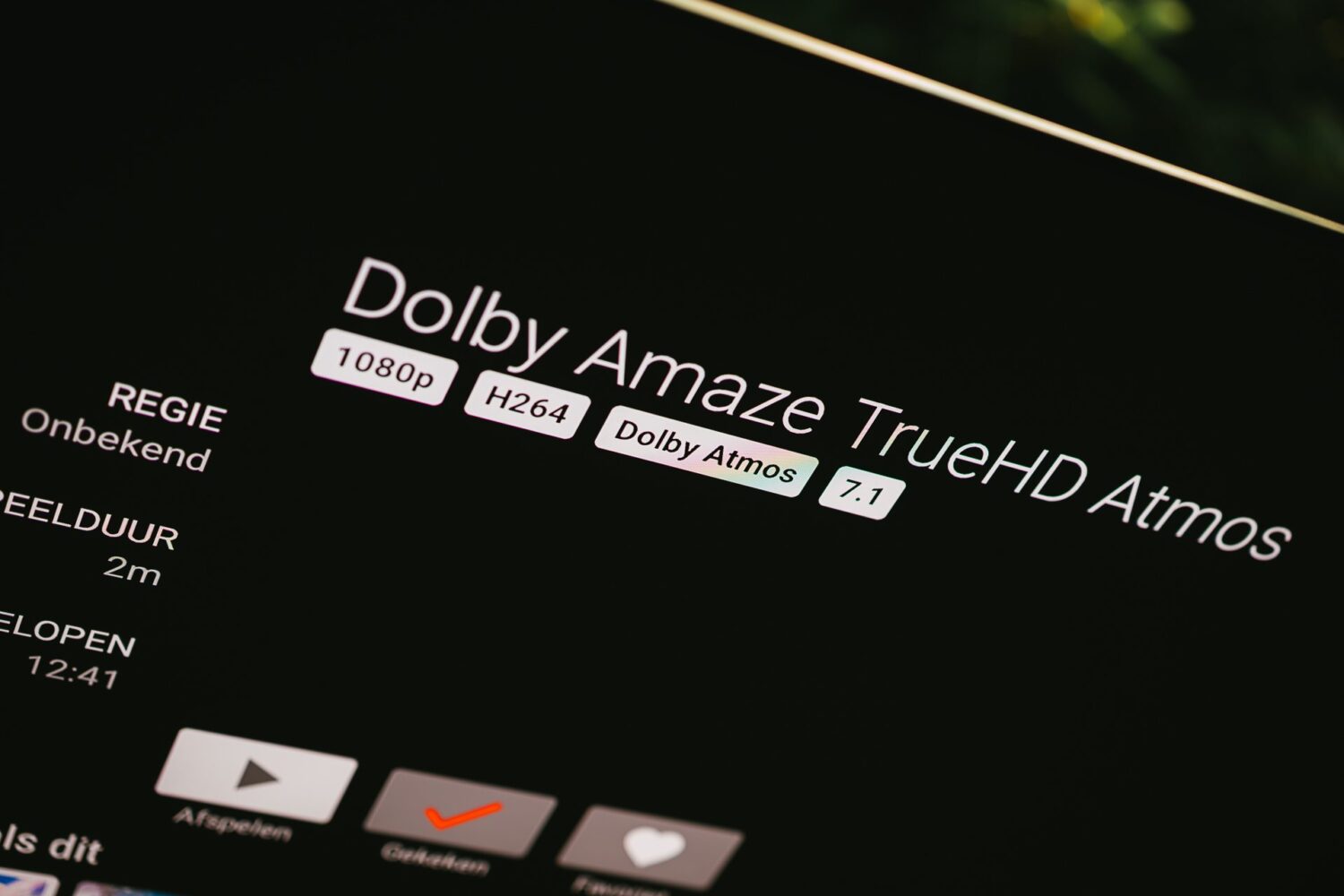
Dolby Atmos, DTS and TrueHD explained (and why your Samsung TV is the reason none of it arrives)
TL;DR. On a setup where the sound runs through your Samsung television, DTS does not work, TrueHD does not work, and Dolby Atmos might not survive in top quality either. That happens to Netflix just as much as it happens to my own media server. Everything is stuck at the same ceiling, and that ceiling is the TV. If you want to get past it, you need a box that talks to your media server and plugs straight into your amplifier, with the television hanging off the amplifier instead of the other way around.
And getting to this TL;DR took me 3 days… or maybe three years.
5.1 Surround Sound and Dolby Atmos
Because that’s when I upgraded my home cinema. Mostly for stereo, because I listen to a lot of music, but I have also had a 5.0 surround set in the house for over a decade, and it got dragged along in the upgrade. That is how 5.0 became 5.1.
The first thing I tested was a YouTube video, to hear what Dolby Atmos actually sounds like. But it sounded off. After some digging I found that YouTube simply does not support it, and the 5.1 support they added later is much younger than the videos I was watching. My amplifier cheerfully turned the stereo into something that resembled 5.1 and sounded impressive, and that is where the itch started.
Streaming did better, but the 4K and the surround I got there still sounded a little flatter than I expected, especially next to what I was used to from music. Last Saturday I finally had time to dig in, and what I found still amazes me: film audio is an absolute mess. I found something that works, though not before I had shipped a patch to Android, exposed a handful of hardware limits, and played around with the code for Jellyfin’s server and its Android app. And then discovered that most of that was not the actual problem.
First, the formats
Remember how I said my amplifier made surround out of stereo? That has a name. At Dolby it is called Dolby Surround, at DTS it is Neural:X. Your centre speaker joins in, your surrounds join in, and the word Dolby appears on your display.
It sounds like surround, while there was never any surround information in the file. It is a calculation after the fact. So let’s look at the real thing, from simple to best:
- Dolby Digital / DTS. The oldest and simplest form of surround. Compressed, which makes the signal much smaller and costs you quality.
- Dolby Digital Plus. A more modern version, still compressed. This is what most streaming services send you.
- Dolby TrueHD / DTS-HD Master Audio. The best there is. Compressed too, but without losing anything, which is what lossless means. You find this on Blu-rays and on high quality downloads.
Then there is Atmos and DTS:X. Those are not separate formats but an extra layer on top of Dolby Digital Plus or TrueHD (and for DTS, on top of DTS-HD). That layer does not tell your amplifier “this sound goes to channel 6”, it says “this sound belongs here in the room”, and your amplifier works out how to get that to whichever speakers you happen to own.
What does Atmos actually give you in a 5.1 room?
Honestly: less than you hope, and that is useful to know before you go shopping. A 5.1 setup has no ceiling speakers, and ceiling speakers are exactly where Atmos shines. What you do win with Atmos content on 5.1:
- More precise placement of sounds between the speakers you already have, because the mix is not locked to a fixed number of channels.
- Almost always the best available track. Studios put their uncompressed TrueHD master on the Atmos version of a film and give the regular 5.1 version the lesser, compressed track.
So hunting for an Atmos file is mostly a way to get your hands on the best audio, and not so much about the spatial effect itself in a 5.1 setup.
Why streaming always disappoints a little
Now for the real audio and video fans streaming always disappoint a little.
If you download a high quality 4K file a movie is usually 50 to 90 GB. That’s 60 to 120 Mbps. A Netflix stream is only 8 to 16 Mbps. A TrueHD audio stream is 3,500 to 7,000 kbps. A Netflix Dolby Digital or Atmos stream is 448 to 768 kbps.
So why does Netflix compress its signal? Bandwidth. Netflix, Disney+ and the rest have to compress picture and sound hard enough to get it over your internet connection without stuttering, so they never send the uncompressed TrueHD master. And less bandwidth is cheaper for them, which I suspect is also part of the incentive.
Your own file on your own media server does not have that problem, because the file is already sitting there and does not need to be squeezed live. So the full quality can get through, as long as the rest of the chain can handle it. That last bit is where my setup struggles.
But Mark, can you really hear and see this? On a good setup yes. Dark scenes, fast action, fine details like rain, mist or the hairs of a beard. You see the difference. And for sound voices sound clearer, details stay details and impact and bass are more alive. So there is a reason for the rabbit hole I dove into.
The experiment: Jellyfin and a pile of test files
My setup: a Denon that handles every codec going, a 5.1 speaker set, a Samsung TV, and a Chromecast with Google TV on that same TV. My media server is Jellyfin, self hosted. I have the Jellyfin app installed on the TV itself (Tizen) and on the Chromecast.
No DTS?!
First test went through the Chromecast, with a downloaded film I can also just watch on my subscription, carrying a DTS track. It didn’t work. What I got was a converted Dolby Surround, which is the worst of the options.
So I downloaded a whole pile of files in every standard I could find, and that went badly. Some didn’t play, some played half, and on others all the rear channels came out of the front. You can talk to a Denon over telnet, and Jellyfin keeps good logs, so the debugging began.
It turns out the Chromecast has no DTS support at all, and Samsung pulled the DTS licence out of their televisions in 2018. That is a hard licensing and hardware wall on both devices that no setting will fix. If DTS matters to you, this is the point where you buy different hardware. But Atmos has become the go-to, and that usually comes with TrueHD.
The Tizen app and the TrueHD wall
So I installed the Jellyfin app on the Samsung itself. It is a brand new app, and if it worked the Chromecast could go in a drawer. There is a setting in it called “enable TrueHD” that should let the full quality through. I turned it on, restarted the app, and everything still came out as flat audio without an Atmos layer.
Digging through the public source code and bug reports gave a clear answer: Tizen, the Samsung OS, cannot bitstream TrueHD to an amplifier at all, for any app. Bitstreaming means the original, untouched data goes straight to the amplifier, which decodes it itself. Google TV can do that, Tizen cannot. So my plan to get rid of the Chromecast went in the bin, or so I thought.
The part where you start measuring every device
While playing a test film I took three measurements at the same moment. The Jellyfin app opened an audio channel at 7.1 on 48 kHz. The only active audio output on Android at that same moment was AUDIO_FORMAT_PCM_16_BIT, which is stereo. And the Denon was taking that stereo and making Dolby Surround out of it. Again, the worst version of surround.
So the chain was: lossless TrueHD 7.1 with Atmos, decoded by the app to 7.1 PCM, downmixed by Android to stereo, and then smeared back out over six speakers by the amplifier’s upmixer. Exactly the party trick this article opens with, applied to the best file in the house. Everything I had concluded about “full, untouched TrueHD over the Chromecast” was wrong.
Why the Chromecast can’t do it
The Chromecast with Google TV never bitstreams TrueHD or DTS-HD, it always decodes them to PCM first. Google confirms this themselves in their community, describing it as a known limitation where those formats only work when the TV’s own audio is used and the TV supports them, and where passthrough to external audio systems is not supported.
The Samsung is not the bottleneck for TrueHD itself. The Samsung is the bottleneck for multichannel PCM, because it downmixes that back to stereo before sending it over the HDMI eARC port to the Denon, while a bitstream passes through untouched.
Which leaves exactly one route to real surround on this chain: a compressed bitstream. TrueHD can’t (Chromecast), multichannel PCM can’t (TV), AC-3 and Dolby Digital Plus can.
The fix, and the mistake I made
The Jellyfin Android TV app declares its audio codecs from a static list without ever checking what the device can actually do. Video does get tested against the hardware, audio does not. So the app says “send me TrueHD”, decodes it itself, and you end up with stereo.
I changed the app so it first asks which surround codecs the device can genuinely pass through as a bitstream, here AC-3 and Dolby Digital Plus, and gives those priority. The server then transcodes to one of them, and the Denon reports a real, native 5.1 decode with no upmixer in sight. That is pull request #5822 on the Android TV app.
What you gain is the jump from fake surround to genuine, discrete 5.1 that your amplifier decodes itself. What you give up is the lossless quality, because you land on AC-3 at 640 kbps, and the Atmos object layer.
And then I got a little too enthusiastic. I found that Jellyfin treats Dolby Digital Plus as if it were plain AC-3 in three places in its code, including a hard 640 kbps ceiling, so I patched all three, measured Dolby Digital Plus coming out at 1536 kbps, and wrote a triumphant paragraph about it. A Jellyfin maintainer pointed out that ffmpeg’s own Dolby Digital Plus encoder is poor enough that at the same bitrate it sounds worse than that same ffmpeg’s AC-3, that the bundled version doesn’t do 7.1 anyway, and that real broadcasts usually run 5.1 Dolby Digital Plus at 384 kbps, so 640 was already generous. Boooh.
He was right, and the reason I was wrong is worth more than the patch was. I measured a bitrate and read it as quality. Bitrate describes how much data you are pushing, not how good the encoder filling it is.
In debugging all of this I also found an issue in Google’s own Media3 library for TrueHD in fragmented MP4, an issue that had been sitting open since July 2024 (androidx/media#3411). So if that fix gets approved I’ll have officially contributed to the Android source code which is a good nerd story at birthday parties.
Oh, and one more thing. I fixed it in the Jellyfin Android app to then find out that the native Tizen app used by the Samsung TV does not have this issue and does its best encoding already.
So what do you actually do with all of this?
For audio Jellyfin does not win from Netflix or Disney in my setup. And that’s not Jellyfins fault, it’s the Samsung TV that is the bottleneck.
For picture Jellyfin wins if you compare the large 90Gb download files to the popular streaming services.
Getting better audio means taking the television out of the audio path. You connect your player straight into the amplifier and hang the TV off the amplifier, so picture and sound split up at the right moment. And that player has to be one that can bitstream TrueHD and DTS-HD, which the Chromecast and the Google TV Streamer cannot, and neither can an Apple TV. The NVIDIA Shield can, which is why it has been the standard answer in this corner of the hobby for years.
With one honest warning attached, because I went looking. There is an open Jellyfin issue from someone with exactly this setup where it does not work, but having spent some time in the Jellyfin community, I trust them to figure that out.
Thanks to all the members of the Jellyfin community who commented on my PRs and introduced me to this wonderful mess and for now I’m sticking to the Jellyfin app on my Samsung TV because that’s connected via cable so it handles those 90 GB files perfectly.
I loved the long weekend of debugging all of this and writing it up. I’m going to go watch a movie now. Until next time!